If you’ve ever opened Apple Music and noticed a small ∞ (infinity) symbol on the player screen, you’re not alone. Many users pause for a moment and wonder whether it represents endless music, a premium feature, or simply another playback button.
The confusion is understandable because the symbol looks simple but carries a very specific function inside the app.
In everyday life, the infinity symbol usually represents something without an end—love, possibilities, or continuity. In Apple Music, however, it has a practical meaning that changes how your listening experience works.
This guide explains exactly what the infinity symbol means in Apple Music, where it came from, how it works, when to use it, common misunderstandings, and why millions of listeners rely on it for discovering new music.
What Does the Infinity Symbol Mean in Apple Music? – Quick Meaning
Simply put, the infinity symbol in Apple Music turns on Autoplay.
When Autoplay is enabled:
- Apple Music keeps playing songs after your current queue finishes.
- The app automatically selects similar tracks based on your listening habits.
- Music continues indefinitely until you stop playback.
Quick Facts
- ✓ Infinite music playback
- ✓ Personalized recommendations
- ✓ Automatically generated songs
- ✓ No need to manually choose another playlist
Examples
“My playlist ended, but music kept playing because the infinity symbol was turned on.”
“I discovered three new favorite artists thanks to Apple Music’s infinity feature.”
“If you don’t want endless songs, simply tap the infinity icon to disable Autoplay.”
Origin & Background
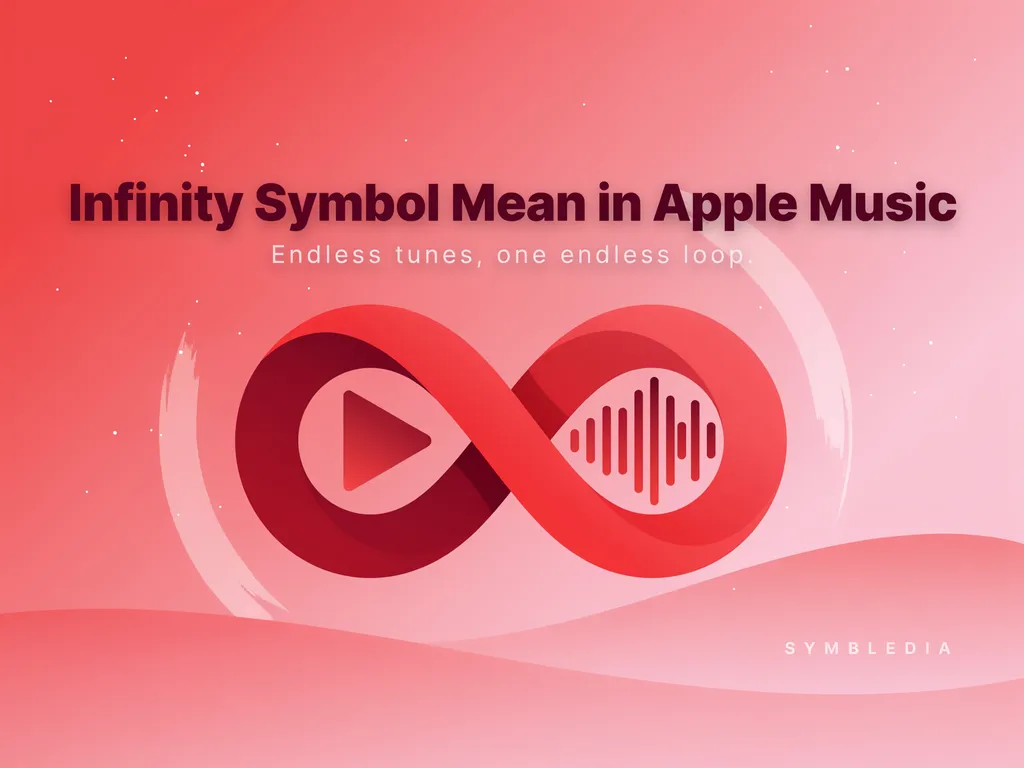
The infinity symbol (∞) has existed for centuries in mathematics and philosophy, where it represents something limitless or endless.
Apple adopted this universally recognized symbol because it perfectly matches the idea of continuous music playback.
Instead of stopping after the last song in your queue, Apple Music creates an ongoing listening experience. The system analyzes your preferences and suggests songs with similar styles, artists, moods, or genres.
This feature became especially valuable as streaming changed listening habits.
Years ago, people played albums from beginning to end. Today, many listeners prefer uninterrupted music that adapts to their tastes without requiring constant interaction.
Social media also contributed to the popularity of this feature. Users frequently share posts about discovering amazing songs through Apple’s Autoplay recommendations, making the infinity symbol increasingly recognizable.
Real-Life Conversations
Person A:
Why is my Apple Music still playing? My playlist ended.
Person B:
You probably have the infinity button turned on.
Person A:
Oh, that’s actually pretty cool!
Instagram DM
Person A:
How did you find that artist?
Person B:
Apple Music kept recommending songs after my playlist ended.
Person A:
The infinity feature is surprisingly good.
TikTok Comments
User 1:
Apple Music’s infinity mode always finds hidden gems.
User 2:
Seriously. I’ve added dozens of songs because of it.
User 3:
Sometimes the recommendations are even better than my playlist.
Text Messages
Friend:
Did you mean to play music for three hours?
You:
No! The infinity symbol kept everything going.
Friend:
Best accidental DJ ever.
Emotional & Psychological Meaning
Although the infinity symbol serves a technical purpose inside Apple Music, it also creates a unique emotional experience.
Music often accompanies:
- Long drives
- Study sessions
- Workdays
- Exercise routines
- Quiet evenings
Constant interruptions can break concentration or mood. Infinite playback allows listeners to stay immersed without reaching for their phones every few minutes.
Many people also enjoy the excitement of discovering unexpected songs.
Imagine you’re relaxing after a stressful day with your favorite indie playlist. The last track finishes, but instead of silence, Apple Music introduces another artist with a similar style. One recommendation becomes a new favorite, making the listening experience feel personal rather than mechanical.
That’s part of the feature’s appeal—it keeps the emotional flow going.
Usage in Different Contexts
Social Media
People often mention the infinity feature when sharing new music discoveries.
Example:
“Apple Music infinity mode introduced me to my new favorite band.”
Friends & Relationships
Friends exchange playlists, but Autoplay expands them naturally.
Someone might say:
“Just let the infinity feature run—you’ll probably love the next songs.”
Work & Study
Many users enable infinite playback to maintain focus without stopping to choose another playlist.
Background music continues seamlessly throughout meetings, writing sessions, or study hours.
Casual vs Serious Tone
Casually, people refer to it as:
- Infinite music
- Endless songs
- Autoplay
In more technical discussions, it’s simply called Apple’s Autoplay feature represented by the infinity symbol.
When NOT to Use It
While useful, infinite playback isn’t ideal in every situation.
Avoid relying on it when:
You need silence afterward
If you’re listening before sleeping or during meditation, unexpected songs may continue playing for hours.
You have limited mobile data
Continuous streaming consumes more data than a fixed playlist.
You’re presenting music professionally
If a meeting or event requires a carefully selected playlist, random recommendations may not fit the atmosphere.
Shared speakers
Unexpected song choices could create awkward moments in family or workplace environments.
Common Misunderstandings
Many Apple Music users misunderstand the infinity symbol.
Myth 1: It means repeat forever.
False.
Repeat and Autoplay are different functions. Repeat loops existing songs, while infinity generates new recommendations.
Myth 2: It gives unlimited premium access.
False.
The icon has nothing to do with subscriptions or payment plans.
Myth 3: It only works with playlists.
False.
It also works after albums and individual songs.
Myth 4: Every recommendation is completely random.
False.
Apple Music analyzes listening habits, genres, artists, and preferences to personalize suggestions.
Comparison Table
| Feature | Meaning |
|---|---|
| Infinity Symbol (∞) | Keeps music playing with recommendations |
| Repeat One | Repeats the same song |
| Repeat All | Repeats the existing queue |
| Shuffle | Changes playback order |
| Autoplay Off | Music stops after the queue ends |
Key Insight
The infinity symbol doesn’t repeat your music—it extends your listening experience with personalized recommendations, making it fundamentally different from repeat or shuffle modes.
How to Respond When Someone Uses It
Casual Replies
- “Yeah, I always keep it on.”
- “That’s how I find new music too.”
- “Apple Music has great recommendations.”
Funny Replies
- “The infinity button knows my taste better than I do.”
- “One playlist somehow became a four-hour concert.”
Mature Replies
- “It’s useful when I want uninterrupted focus.”
- “I appreciate discovering artists I wouldn’t search for myself.”
Respectful Replies
- “Everyone uses it differently, but it’s a nice discovery feature.”
- “It definitely makes listening more convenient.”
Regional & Cultural Usage
Western Culture
Many listeners value personalized discovery and continuous entertainment. The infinity feature aligns with modern streaming habits.
Asian Culture
Long study sessions, gaming, and work environments make uninterrupted playback especially popular.
Middle Eastern Culture
Users often appreciate continuous music during gatherings, drives, or relaxed evenings, though playlist preferences may vary based on occasion and personal values.
Global Internet Usage
Across online communities, the infinity symbol is widely recognized as Apple’s Autoplay function rather than a decorative icon.
Gen Z vs Millennials
Gen Z
- Loves discovering new artists
- Enjoys algorithm-driven recommendations
- Frequently shares discoveries on social media
Millennials
- Often mix favorite playlists with Autoplay
- Appreciate uninterrupted listening while working or commuting
Is It Safe for Kids?
Yes.
The infinity symbol itself is simply an Autoplay feature and is safe to use.
However, parents should remember that recommended songs may include explicit content depending on account settings. Using parental controls or clean-content filters provides a more age-appropriate listening experience.
Frequently Asked Questions
What does the infinity symbol do in Apple Music?
It activates Autoplay, allowing Apple Music to continue playing personalized song recommendations after your queue ends.
Can I turn the infinity symbol off?
Yes. Tap the queue screen and select the infinity icon to disable Autoplay.
Does the infinity symbol repeat my playlist?
No. It recommends new songs instead of replaying the existing queue.
Is the infinity feature available for all music?
It generally works after playlists, albums, and individual songs, provided Autoplay is enabled.
Does it use my listening history?
Yes. Apple Music considers your preferences and listening habits to generate recommendations.
Does infinite playback consume more data?
Yes. Since music continues streaming automatically, mobile data usage may increase if you’re not connected to Wi-Fi.
Why do people like the infinity symbol?
It removes interruptions and helps listeners discover new music that matches their personal taste.
Conclusion
The infinity symbol in Apple Music is much more than a stylish icon. It represents a seamless listening experience that keeps music flowing long after your original playlist ends.
Instead of repeating the same tracks, it introduces fresh recommendations based on what you already enjoy. Whether you’re studying, driving, working, or simply relaxing, the feature creates a continuous soundtrack that feels personal and effortless.
Once you understand its purpose, that small ∞ icon becomes one of the easiest ways to explore new artists while enjoying uninterrupted music with confidence.
descover more post
Frog Symbol Meaning Spiritual Messages Transformation 2026
Trinacria Symbol Meaning The Fascinating History Culture …
Hinduism Symbol and Meaning Understanding Tradition 2026